Pixel Putt - Year 10 Project
A downloadable game for Windows
Created by a Year 10 Student for a Mobile Game Development Unit - Over the course of 10 weeks.
How to Play Pixel Putt
- Aim your shot
- Click and hold the mouse.
- Drag the mouse in the opposite direction you want to shoot.
- Release the mouse to launch the ball.
- There is a 2-second cooldown between shots.
- Complete the level
- Get the ball into the hole to complete the level.
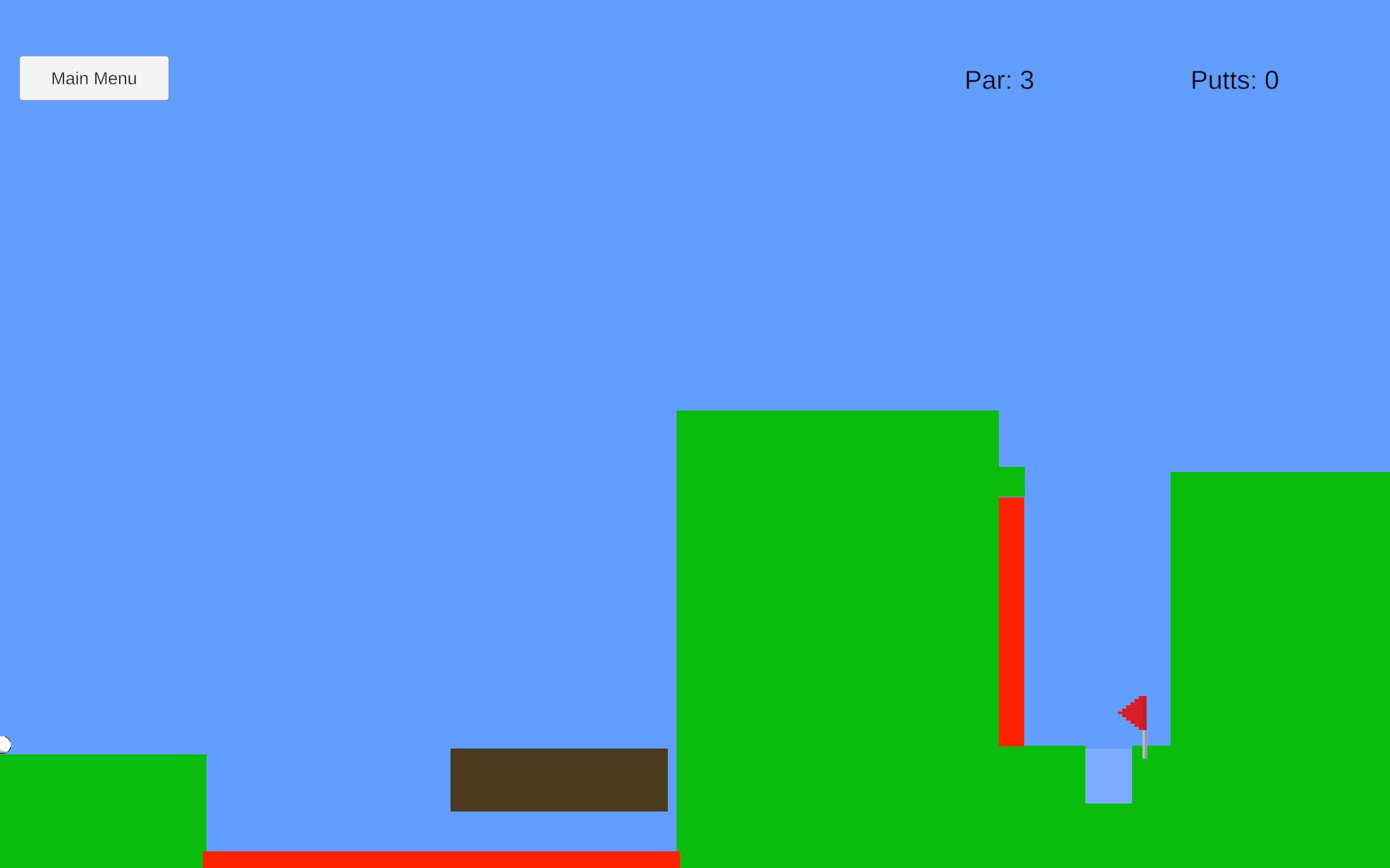
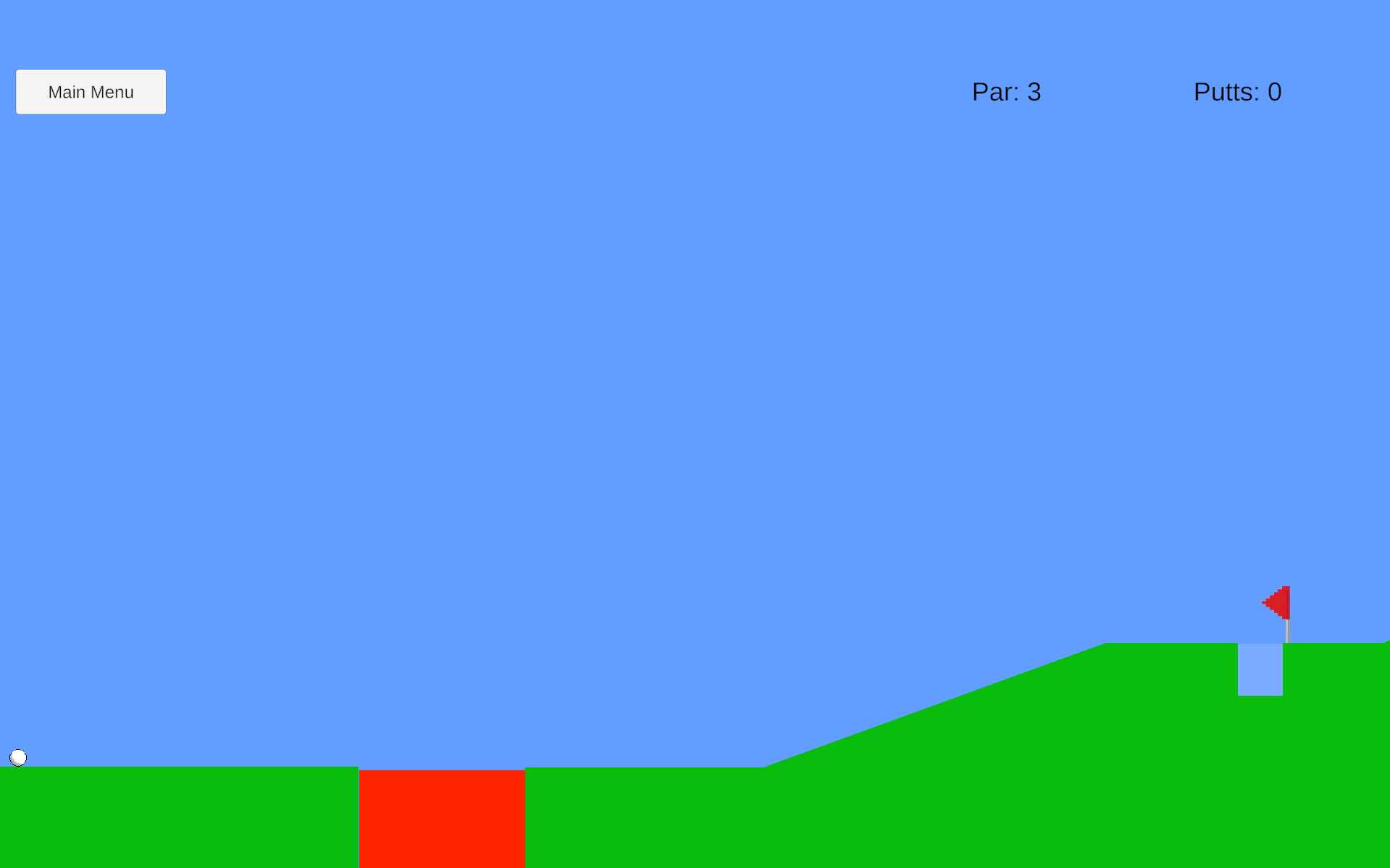
- Avoid the lava
- Don't let the ball fall into the lava.
- If the ball falls into the lava, you will have to restart the level.
- Watch your putts
- Your Par shows the target number of shots.
- Your Putts shows the number of shots you have taken.
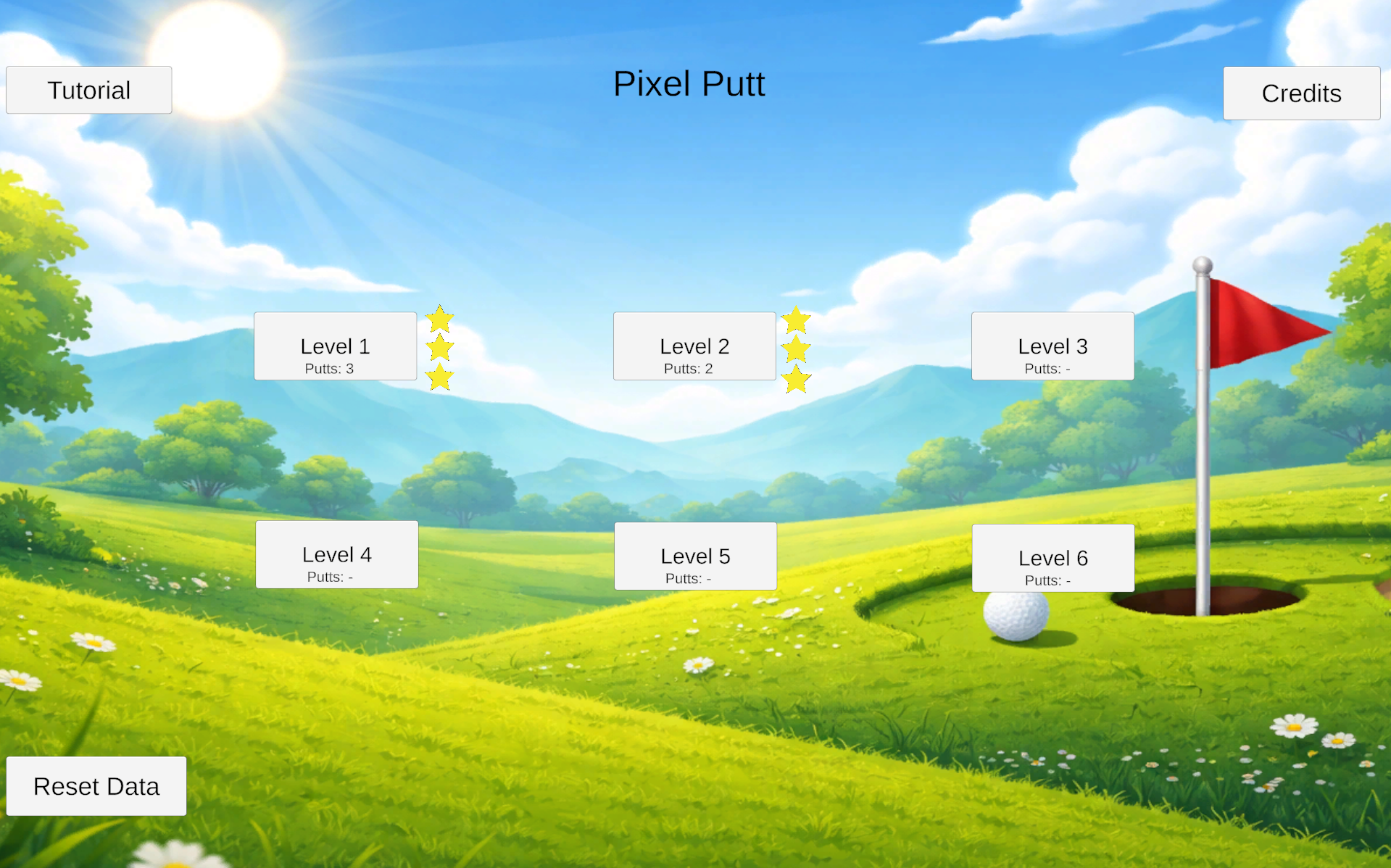
- Earn stars
- Par = 3 stars
- Par + 1 = 2 stars
- Par + 2 or more = 1 star
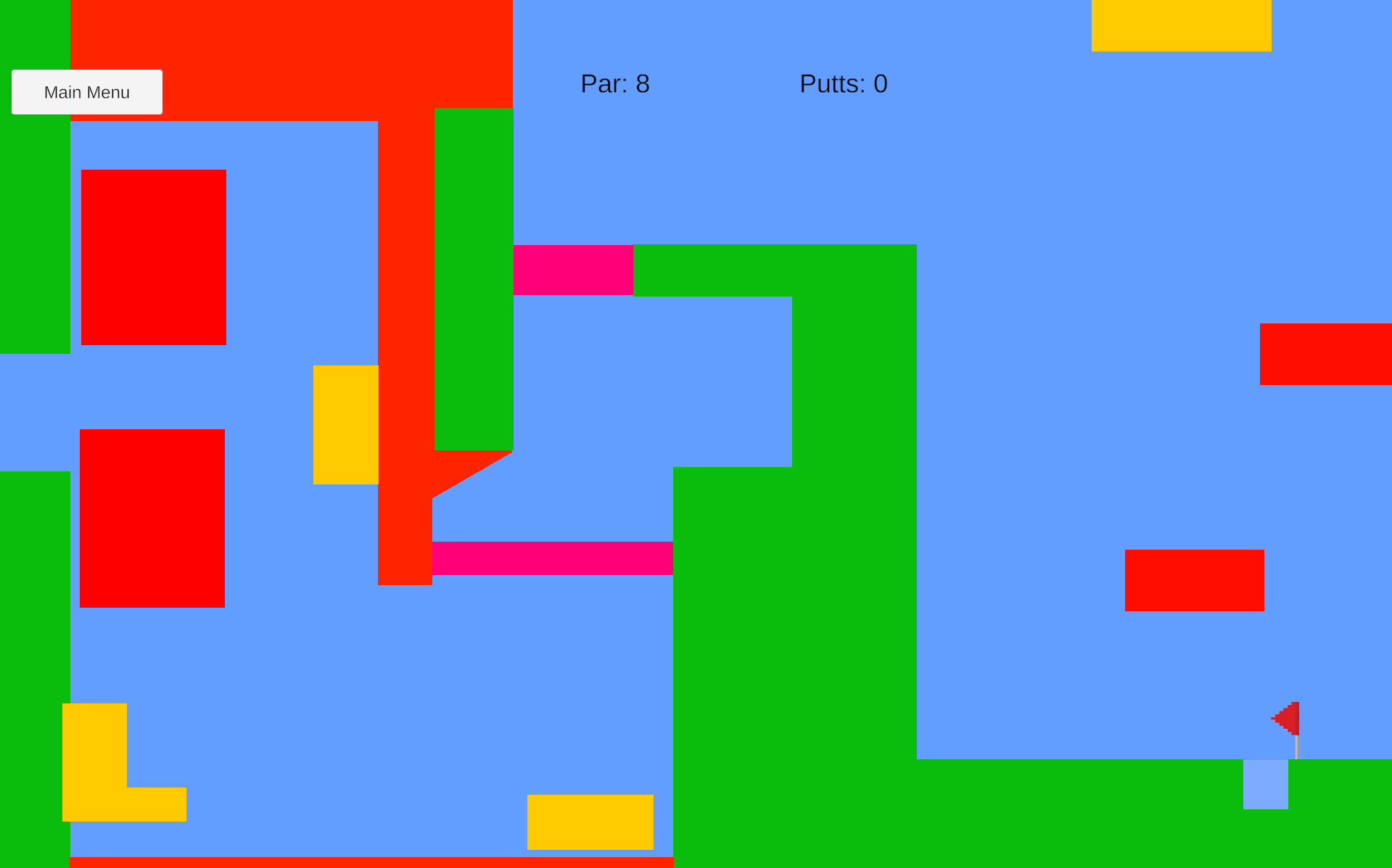
- Learn the surfaces
- Laser – pink beam
- Sticky surface – yellow surface
- Moving platform – brown surface
- Vertical lift – grey surface
Download
Install instructions
How to Play
- Download the ZIP file using the download button below.
- Unzip/extract the downloaded file.
- Open the extracted Pixel Putt folder.
- Double-click Pixel Putt to launch the game.
- To close the game, press the Windows key, then right-click the game on the taskbar and select Close window.
.